Lock distracting apps
Selected apps remain blocked until you earn access through exercise.
Per Push: Screen Time Blocker
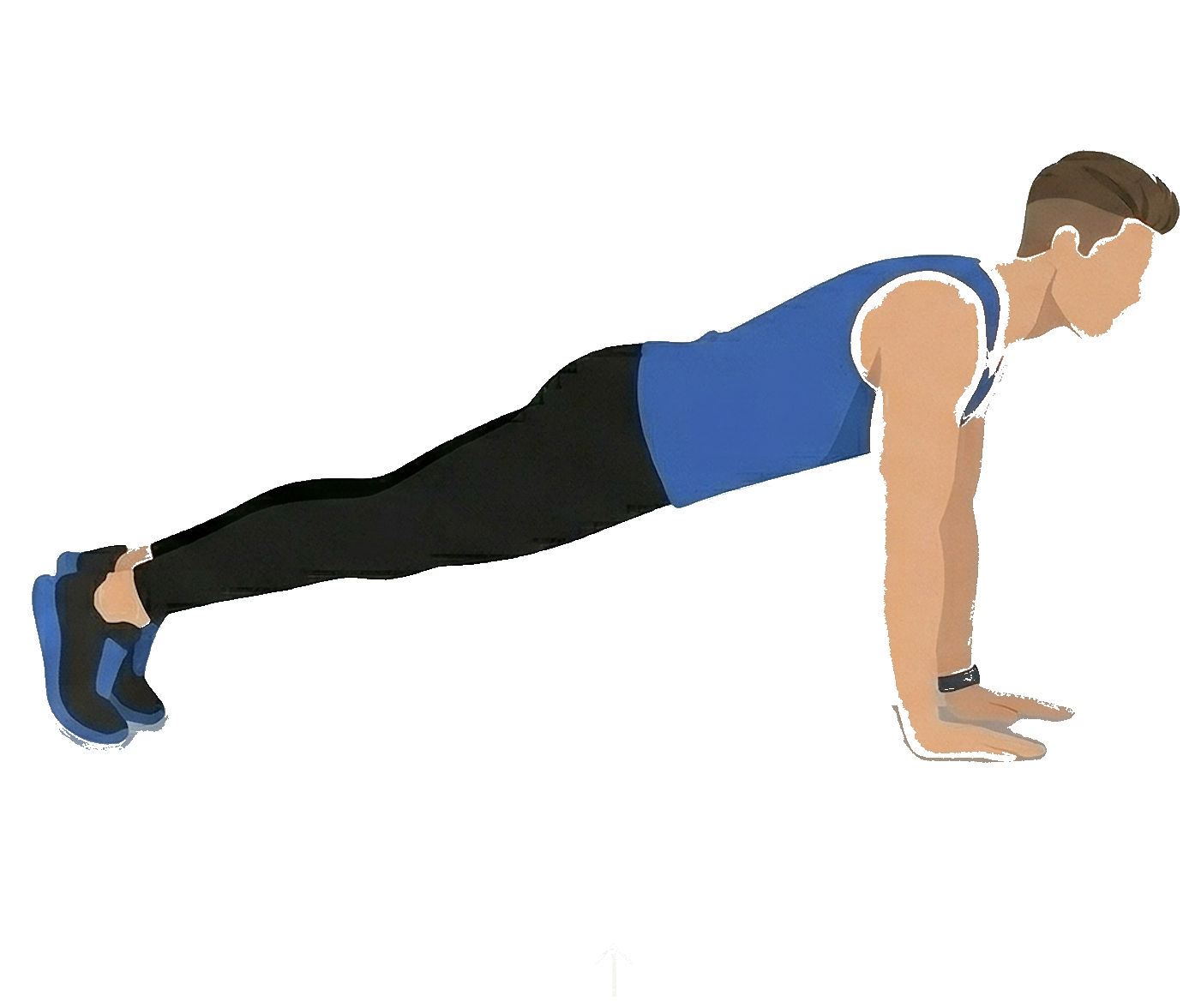
Per Push locks the apps you choose when your daily time limit is reached. To open them again, complete push-ups or squats. Your iPhone camera counts each rep using Apple's Vision framework.
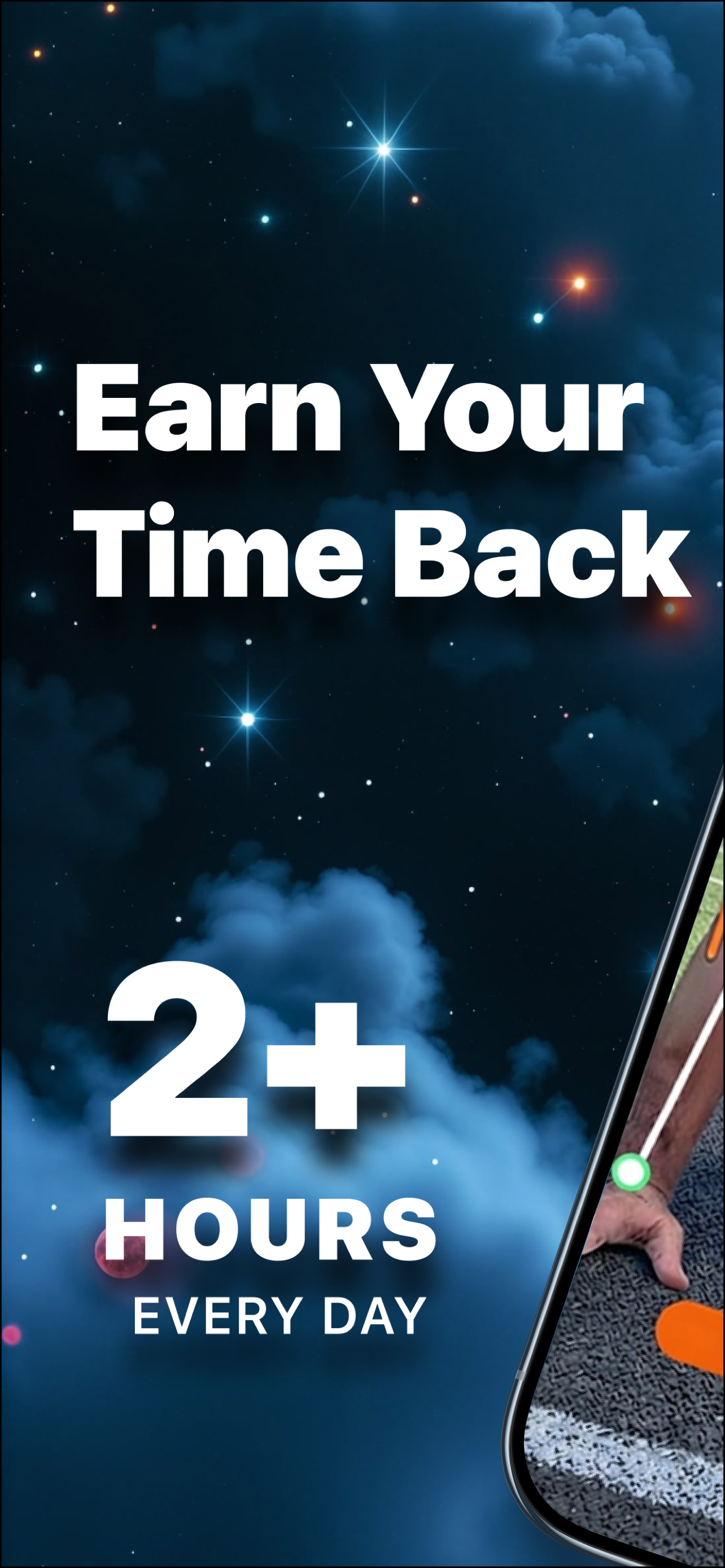
43% less screen time
Average reduction reported by Per Push users
Processed on your iPhone
Workout analysis stays on-device. Nothing is uploaded.
No account required
Download and start using the app immediately
How it works
Set your limits, stay accountable, and unlock apps through exercise.
Select the apps to restrict and set a daily time allowance for each.
When the allowance runs out, selected apps lock through Apple Family Controls.
Complete push-ups or squats. Each rep earns screen time back on your device.
Features
Practical tools to manage screen time with clear rules and measurable progress.
Selected apps remain blocked until you earn access through exercise.
Push-ups and squats are counted in real time on your device. No recordings are stored.
See how your screen time maps to years of your life, and what you could reclaim.
Configure minutes per rep and choose between standard or hard mode.
Monitor reps, streaks, minutes earned, and projected years of screen time reclaimed.
No account, cloud storage, or third-party tracking. Powered by Apple Vision on your iPhone.
Inside the app
Browse screenshots from our App Store release. Select any screen below to preview.
"Scroll all you want. Just earn it with exercise."
Privacy & trust
Per Push uses Family Controls and the camera. Here is how we handle your data.
App blocking is enforced through Apple's Screen Time APIs and system-level shields.
Workout detection runs locally using Apple's Vision framework. No video is uploaded.
No account is required. We do not use ad networks or third-party analytics.
Read our Privacy Policy and Terms of Use.
Per Push: Screen Time Blocker. Available on iPhone through the App Store.
Download on the App Store